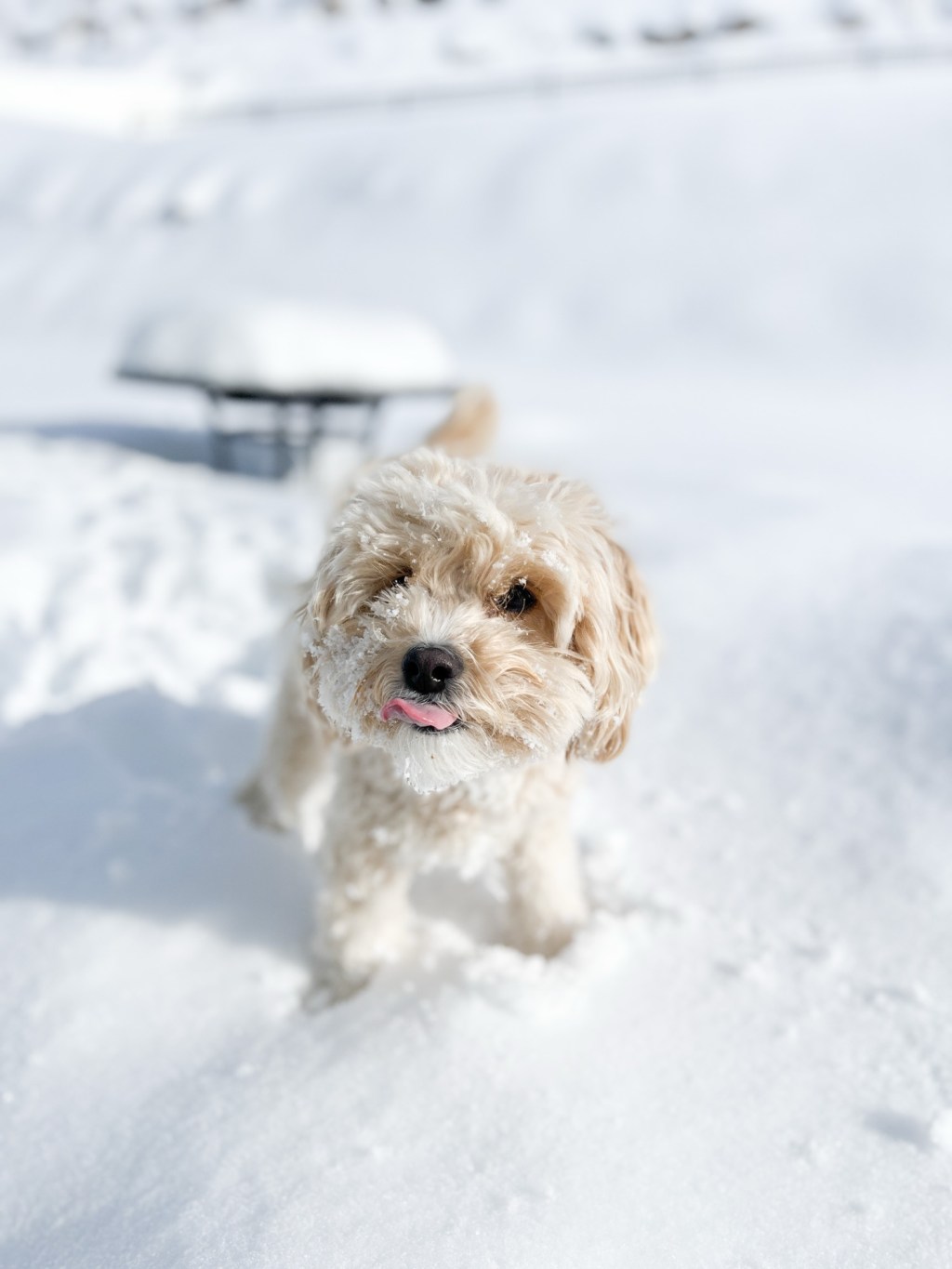
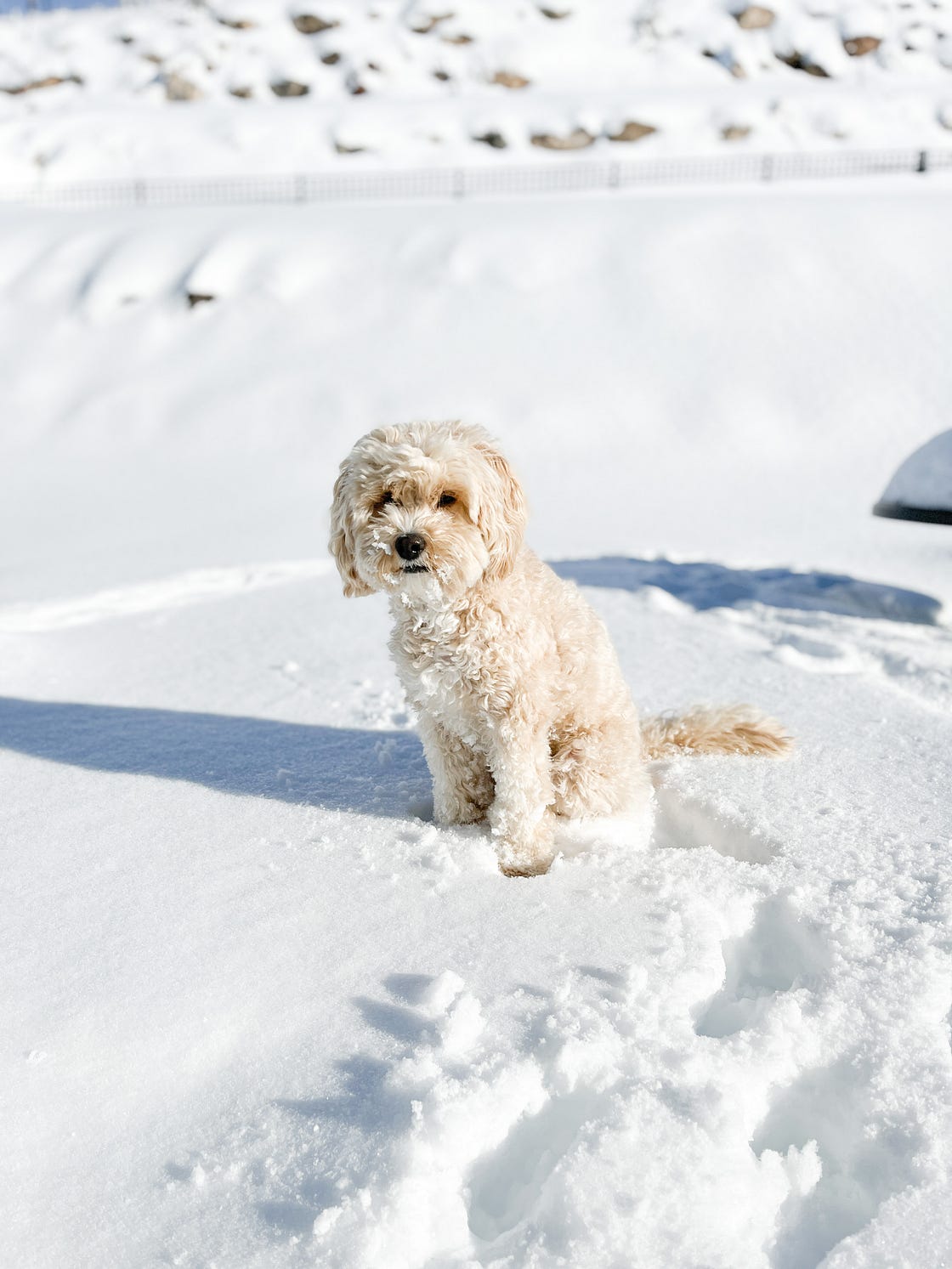
So, we talked about how to shoot light + airy photos of your pet on iphone HERE, so I figured it might be helpful to share any other helpful apps to have on your phone as a smartphone photographer.
My motto in life, or at least what I want my motto in life to be is—keep it simple. So, I only heavily rely on four apps for any editing photos/videos.
1. Lightroom
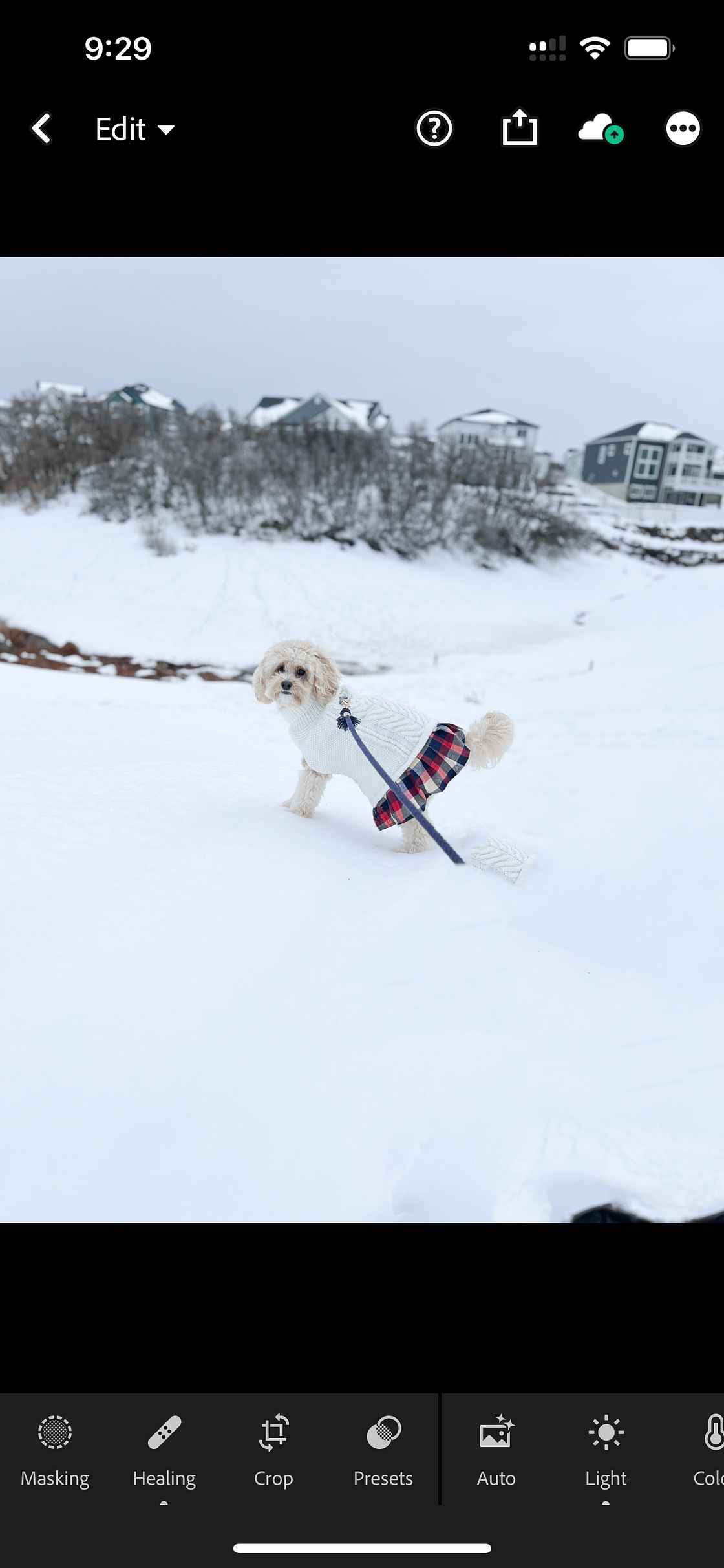
I already talked about Lightroom in my iphone photography post HERE, but it really is my go-to. I use the paid version, which gives me enough storage to have the option to have all the photos I take on my phone automatically uploaded into the app so I don’t waste time uploading. It DOES take up a lot of storage, but I think it’s worth it for the time it saves me. You can pretty much do anything in Lightroom you would be able to do most any other photo editing programs. The “healing” and “mask” tools make the paid plan worth it because they save me the stress of having to make sure my photo shooting doesn’t include anything I can’t edit out (including dog harnesses, leashes, weird stuff I didn’t notice in the background sticking out).
Premium Monthly 100GB $4.99
Premium Yearly 100GB $49.99
Premium Monthly 40GB $1.99
Lightroom plan 1TB $9.99
Premium Yearly 40GB $19.99
Premium Monthly 100GB $7.99
Premium Yearly 40GB $19.99
Premium Yearly 40GB $29.99
Premium Yearly 100GB $39.99
2. Canva
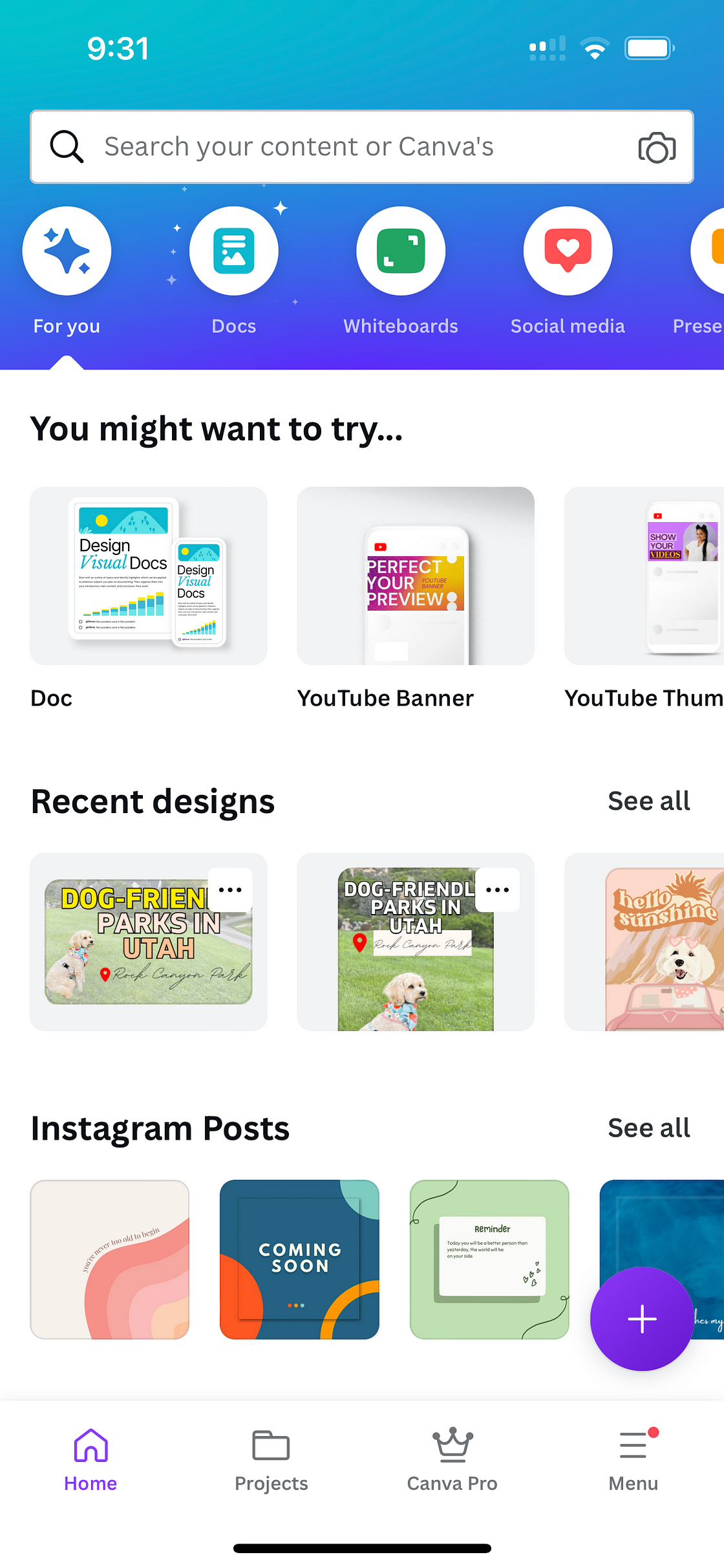
I also pay for Canva because of it’s “background remover” tool, among many other helpful features. I’ve tried many different background removers in various photo editing softwares (including the free one on your macbook), and Canva’s just seems to have the best AI. I rarely have to go in and fix what to remove, but when I need to, it also gives me the option to manual remove or include portions of the image. Canva is a graphic design tool that’s also great for adding text/stickers/motion to photos, or making photos the right file size for different social media platforms (as well as being able to post to those different platforms for you).
FREE version
$12.99/month for Canva Pro, you can try a FREE Canva Pro trial with my link here: https://partner.canva.com/c/3559041/647168/10068
3. Snow
Not as well-known, but a really fun app that has a TON of fun effects you can add to photos/videos including goofy filters that you can even use on your cats and dogs!
FREE version
SNOW VIP monthly subscription $3.99
SNOW VIP annual subscription $29.99

4. InShot
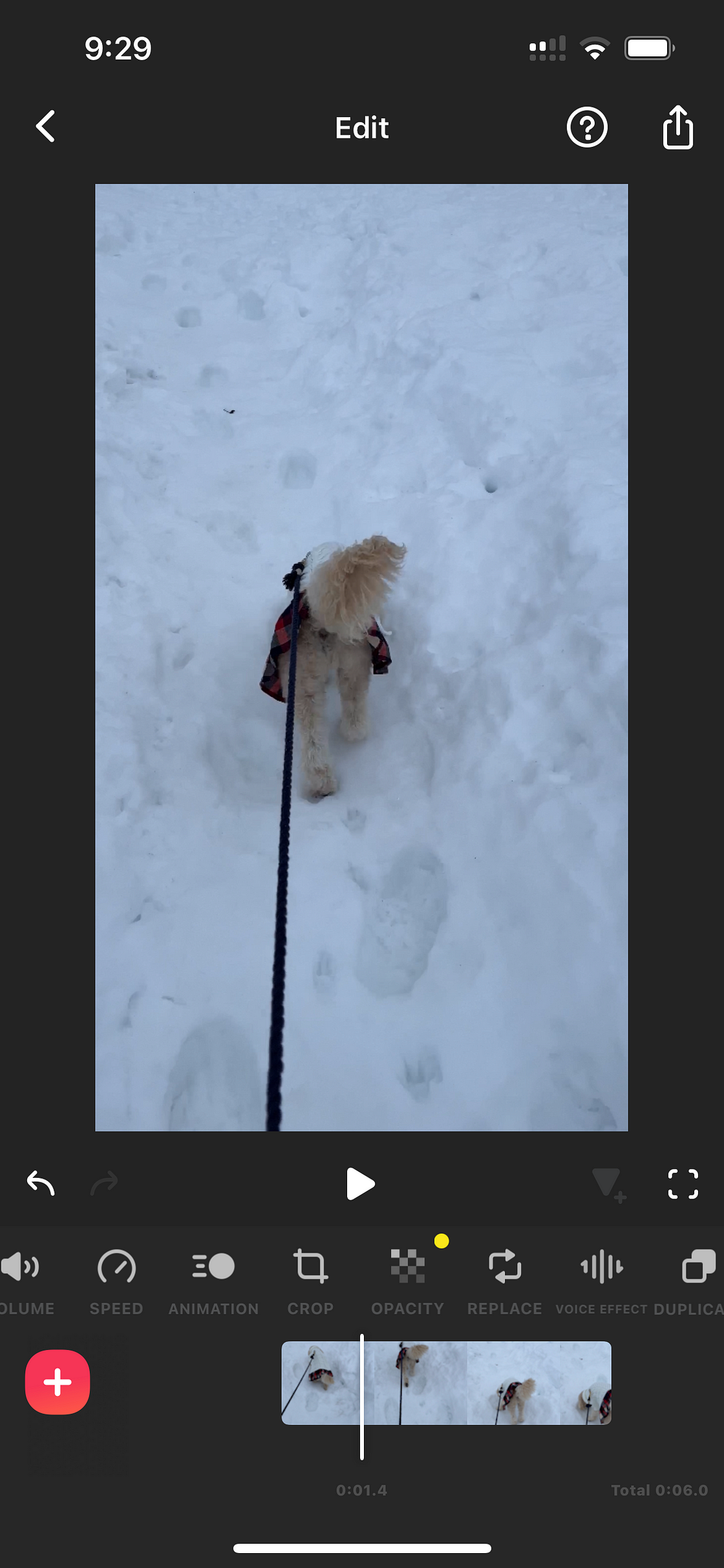
This has been one I’ve been using mostly for YouTube so far, but I know a lot of people use for IG reels. You can do cool stuff like edit videos to play backwards, blur out parts of videos, splice and add together portions of video, add font/stickers/text to video.
FREE version
InShot Pro (1 month)$3.99
InShot Pro (1 year)$17.99
Remove ads $3.99
What about you?
Have you tried any of these apps? Which apps do you find helpful? Interested in learning more about how to use these apps? Let me know in the comments below!
Follow all of my adventures/recommendations~
Don’t forget to follow me on all my doggo adventures and see what life’s like with an f1b cavapoo! ⬇️
🐾Website: honeyboothecavapoo.com
🐾Instagram: @honeyboothecavapoo
🐾Pinterest: honeyboothecavapoo
🐾Youtube: @honeyboothecavapoo
🐾Email: honeyboothecavapoo@gmail.com
Shop my small biz codes for a discount:
🎀 food/treats: @chippintime CODE: HONEYBOOTHECAVAPOO
🎀harness: @lucyandco CODE: LCHONEYBOO
🎀 leash/hygiene: @sleepycottonco CODE: HONEY_BOO10
Shop my recommendations for doggo grooming/care products ⬇️






 Honey Boo the Cavapoo Blog
Leave a comment